Guide
AI-generated article
How to label AI content on your website: EU icons, placement and accessibility
EU icons, label placement for text and images, visibility and accessibility under the Code of Practice of 10 June 2026, with page references and the Commission's guidelines.
Zespół AIMARKER· 8 October 2026· 4 min read
Article 50 of the AI Act requires content generated or manipulated by AI to be disclosed "in a clear and distinguishable manner at the latest at the time of the first interaction or exposure", in line with accessibility requirements [1, Art. 50(5)]. How to do this in practice is set out in the Code of Practice on Transparency of AI-Generated Content of 10 June 2026 [2]. Below are the key rules, with page numbers from the Code.
The Code is voluntary, but the European Commission concluded that it adequately covers the obligations in Article 50(2), (4) and (5) [3]. The part on labelling by deployers is Section 2 of the Code [2, pp. 26–36].
The common EU icon
The label is based on the capitalised acronym "AI" in English; it may appear in the national language where national language law requires it [2, Measure 1.1, p. 29]. The letters must have the same height, and their proportions must be preserved when resized [2, p. 29].
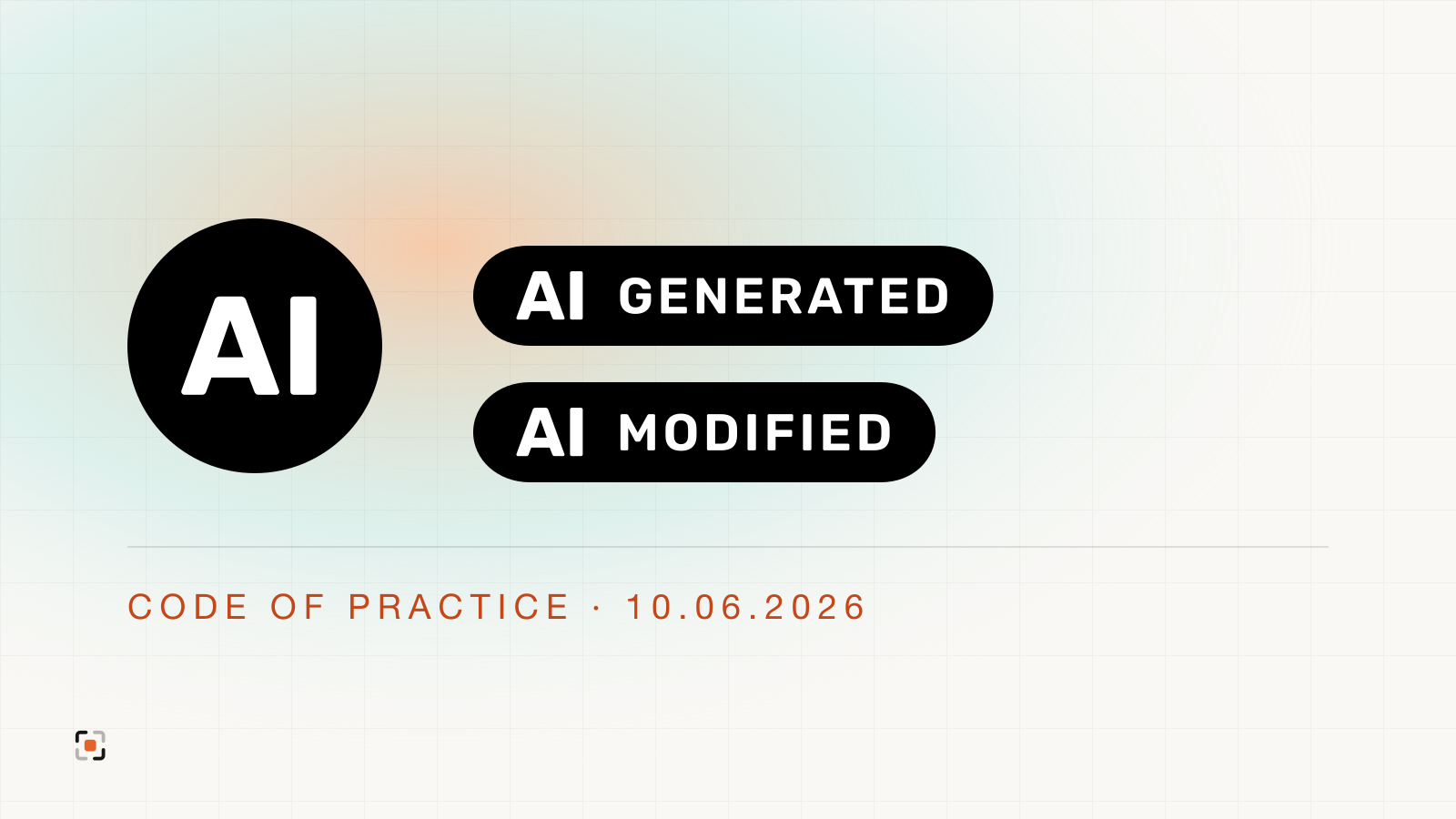
Annex 1 to the Code contains three designs [2, pp. 37–38]:
- "AI": the basic icon,
- "AI + GENERATED": fully AI-generated content,
- "AI + MODIFIED": content partially modified (manipulated) by AI.
Each design comes in black, white, black transparent and white transparent. The icons can be used without attribution to the Commission or the AI Office [2, p. 37]. Files are available on the EU icons page [4].
Where to place the label?
Text. Place the label above or at the top of the text, near the headline, or in the colophon at the beginning of the text. You may also label only the part of the text that was generated or manipulated by AI [2, 1.2.2(f), p. 32]. The Commission's guidelines also point to the start of the publication as the moment to inform readers [5, para. 143].
Very short text, such as single words or brief phrases, must also be labelled, but this can be done through a contextual notice in the user interface [2, p. 32].
Images and video (deep fakes). Place the label where no intervening overlay elements exist, e.g. in the top-right corner [2, 1.2.2(a), p. 32]. In video, the label appears at the beginning, where possible at regular intervals, and at a minimum after interruptions such as advertising breaks [2, 1.2.2(b), p. 32].
Visibility
The Code requires the label to [2, 1.2.1, p. 31]:
- allow immediate recognition without user interaction or sustained attention,
- remain visible for a sufficient duration to be noticed,
- have sufficient spacing from other elements and remain visible against any background.
The Code sets no minimum size and no specific contrast ratio. The icon may appear in different sizes and styles (e.g. contrast ratio, colour, typography) as long as it remains clear and distinguishable [2, Measure 1.1(c), p. 30].
Accessibility
The Code's accessibility points include high-contrast icons, screen-reader compatibility and detectability by assistive technologies [2, pp. 30–31]. It encourages applying EN 301 549 and WCAG 2.1 [2, p. 31]. The Commission's guidelines note that Article 50 imposes no additional accessibility requirements; existing law such as Directives 2016/2102 and 2019/882 applies [5, para. 144].
In practice: a black icon on light backgrounds and a white one on dark backgrounds, a text description for screen readers (alt text or an ARIA label), and keyboard support if the label opens more information.
What text to add next to the icon?
The Code encourages adding, in or next to the icon, for example in an interactive second layer, text indicating "modified" or "generated", and disclosing what has been modified [2, Measure 1.1(b), p. 30]. Examples:
- "AI-generated article",
- "AI-modified content",
- "AI-generated image".
Common mistakes
- Information only in terms of use, a manual or a menu. The guidelines consider it not clear and distinguishable because it is easily overlooked [5, para. 142].
- A label that needs technical tools. People should perceive it without specific tools [5, para. 132]. For deep fakes, deployers cannot rely only on the provider's machine-readable marking [5, para. 117].
- A label that blends into the background. The Code requires visibility against any background [2, p. 31].
- A label at the end of a long text. Disclosure is due at first exposure, i.e. at the start of the text [1, Art. 50(5); 5, para. 143].
- No description for screen readers. The label must meet accessibility requirements [1, Art. 50(5)].
How to do it without a developer?
AIMARKER adds the Code's icons to any website with one line of code. It picks the icon version for the background, places the label above the article headline and in the corner of images, and adds a description for screen readers. You label content by clicking on the live page. Create a free account.
Sources
- Regulation (EU) 2024/1689 (Artificial Intelligence Act), Art. 50
- Code of Practice on Transparency of AI-Generated Content, European Commission, 10.06.2026 (PDF); page numbers as in the PDF
- Commission Opinion C(2026) 4839 final of 8.07.2026 on the assessment of the Code of Practice
- EU icons for labelling AI-generated content, European Commission
- Commission Guidelines on the transparency obligations under Article 50, C(2026) 5054 final, 20.07.2026 (PDF)
Legal status as of 8 October 2026.
This article is for information only and is not legal advice. For a specific case, consult a lawyer.